For wig brands and beauty retailers
Every wig without a try-on is a sale you didn't make. Every shade without a photo is another one.
One product photo turns into your whole shade line and every model shot you need, plus a live try-on widget on your product pages. It all runs from one dashboard, connected through the product feed you already have.
Works with your existing product feed • Try-on live with 1 line of code
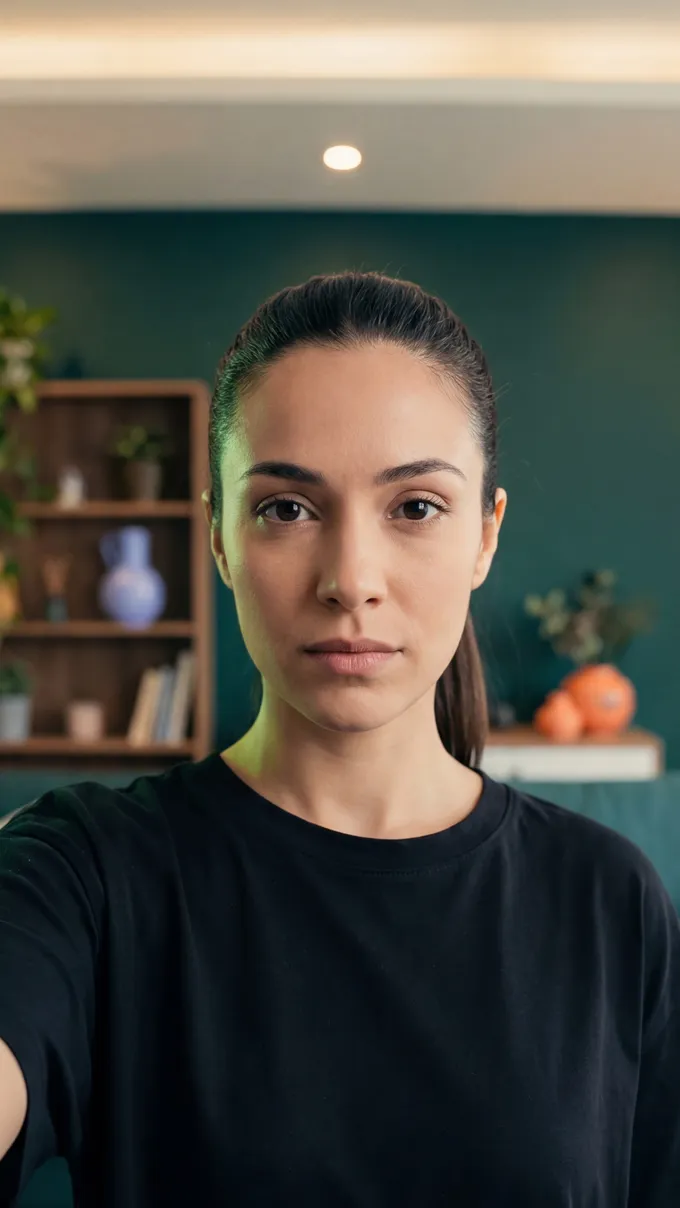

Trusted by brands
Wig brands use virtual try-on to show shoppers realistic fit and color before they buy.
USA
Norway
UK
The problem
The quiet reason wig listings don't convert.
Wig sellers struggle to keep catalogs current and honest. Shoppers notice, and so does the returns ledger.
01
Thirty shades on paper. One you can see.
"Honey Wheat" and "Champagne Rooted" read like different products in the catalog. On a shopper's phone they're the same beige word, and no one buys a shade they can't see.
02
One photo per wig.
Most listings rely on one front or side photo, often shot on a mannequin in poor light. The shopper can see the wig, but not how it would frame their own face.
03
Returns that can't be resold.
Once a wig is worn, it usually can't go back into inventory. A fit-based return is a refund plus unsellable stock, and one leaky listing costs the margin of ten good ones.
04
The manual pipeline is the bottleneck.
Photographer, model, stylist, retoucher: hired every time a shade line launches. Weeks of work for assets that go stale in a season.
TWIWT replaces the whole production chain with a pipeline built for wigs. Same catalog, one-tenth the work.
The pipeline
Beauty VTO tools treat hair as an afterthought. This pipeline was built for wigs.
Four capabilities in one pipeline: generate your visuals and connect virtual try-on directly to your catalog. Use the full stack or just the try-on widget.
Swipe, scroll horizontally, or use the previous and next buttons to move through the pipeline cards.
The same wig. The full pipeline.
What one product photo turns into
Every image below started as a single product photo. Everything added was rendered by the pipeline, and every output lands in your dashboard ready to use.
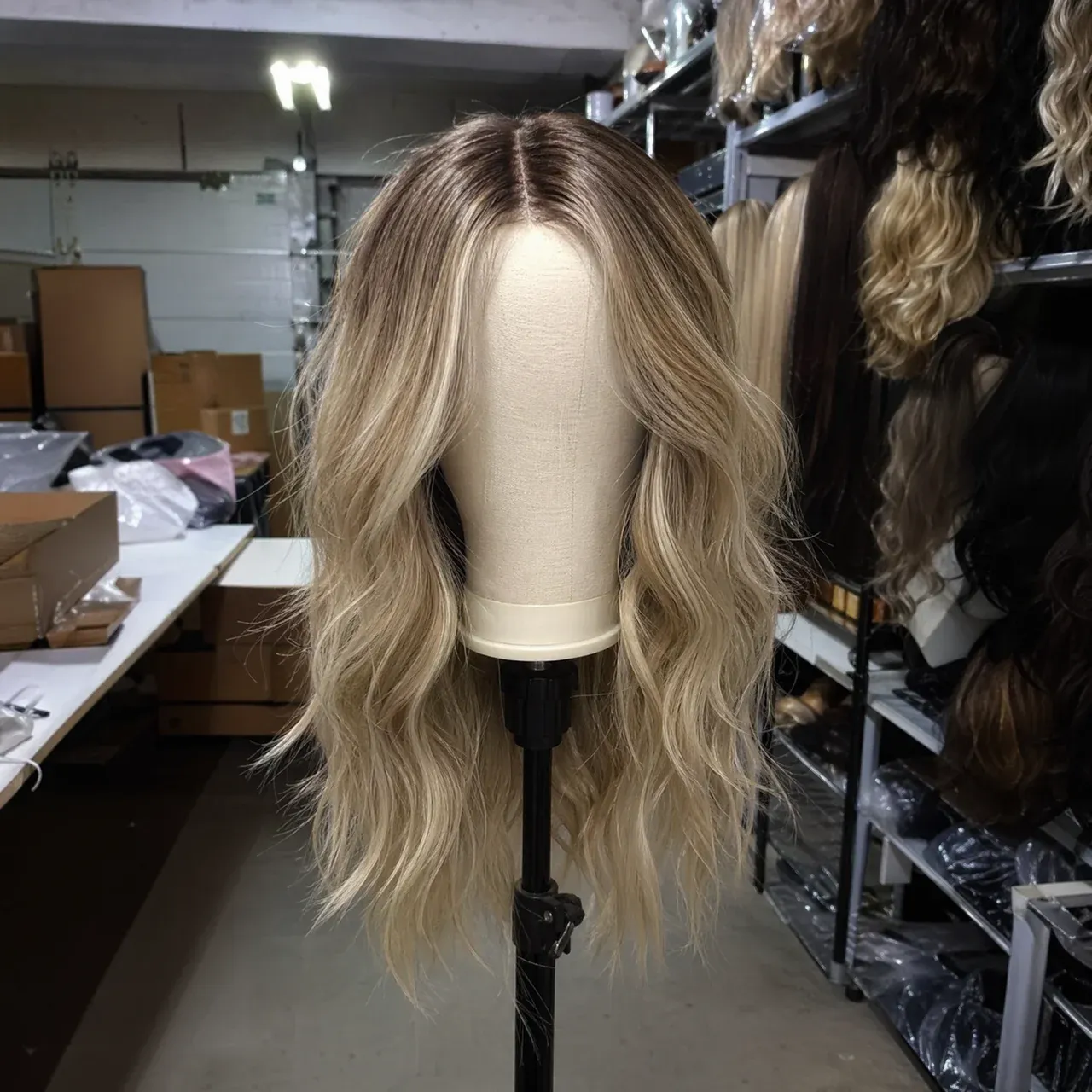
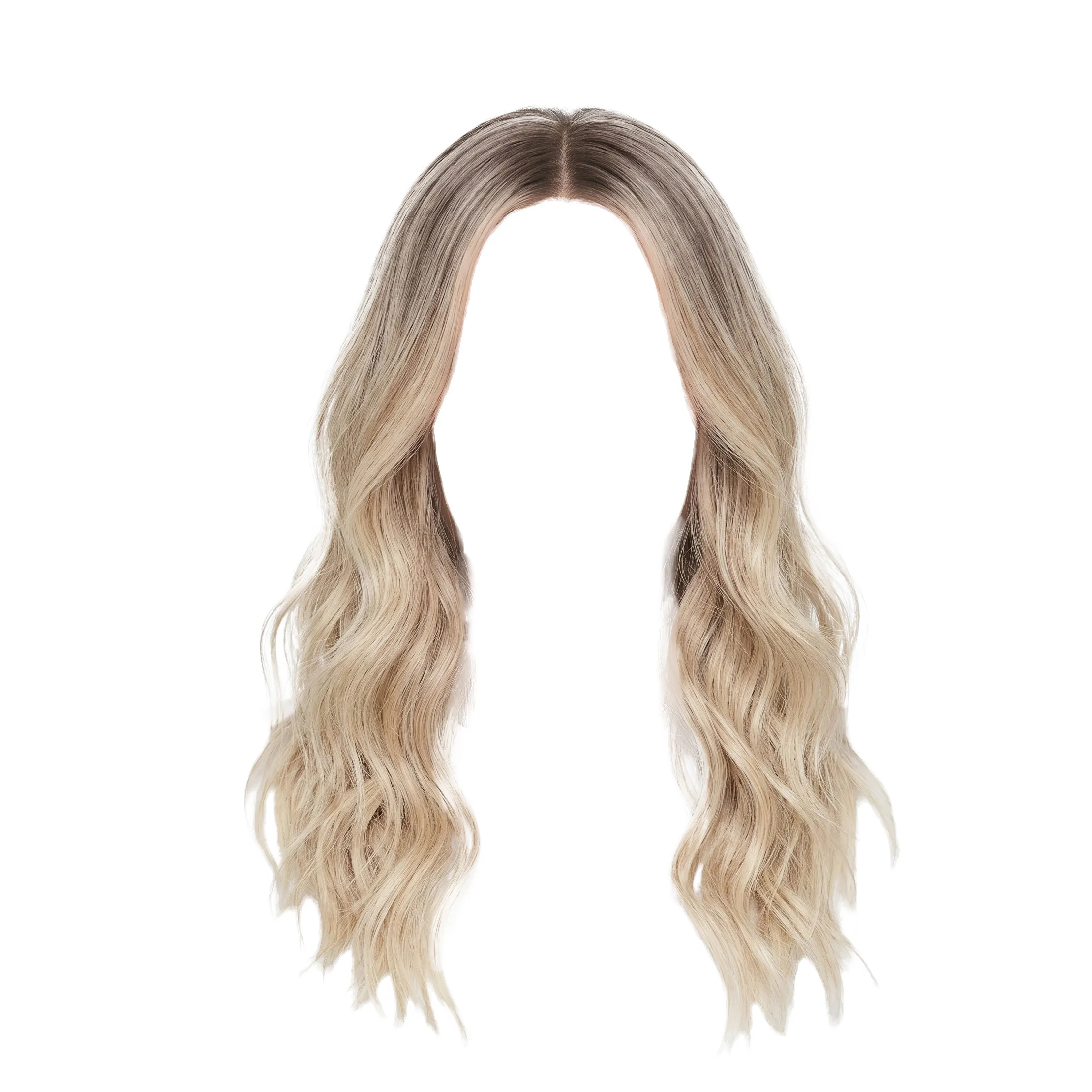
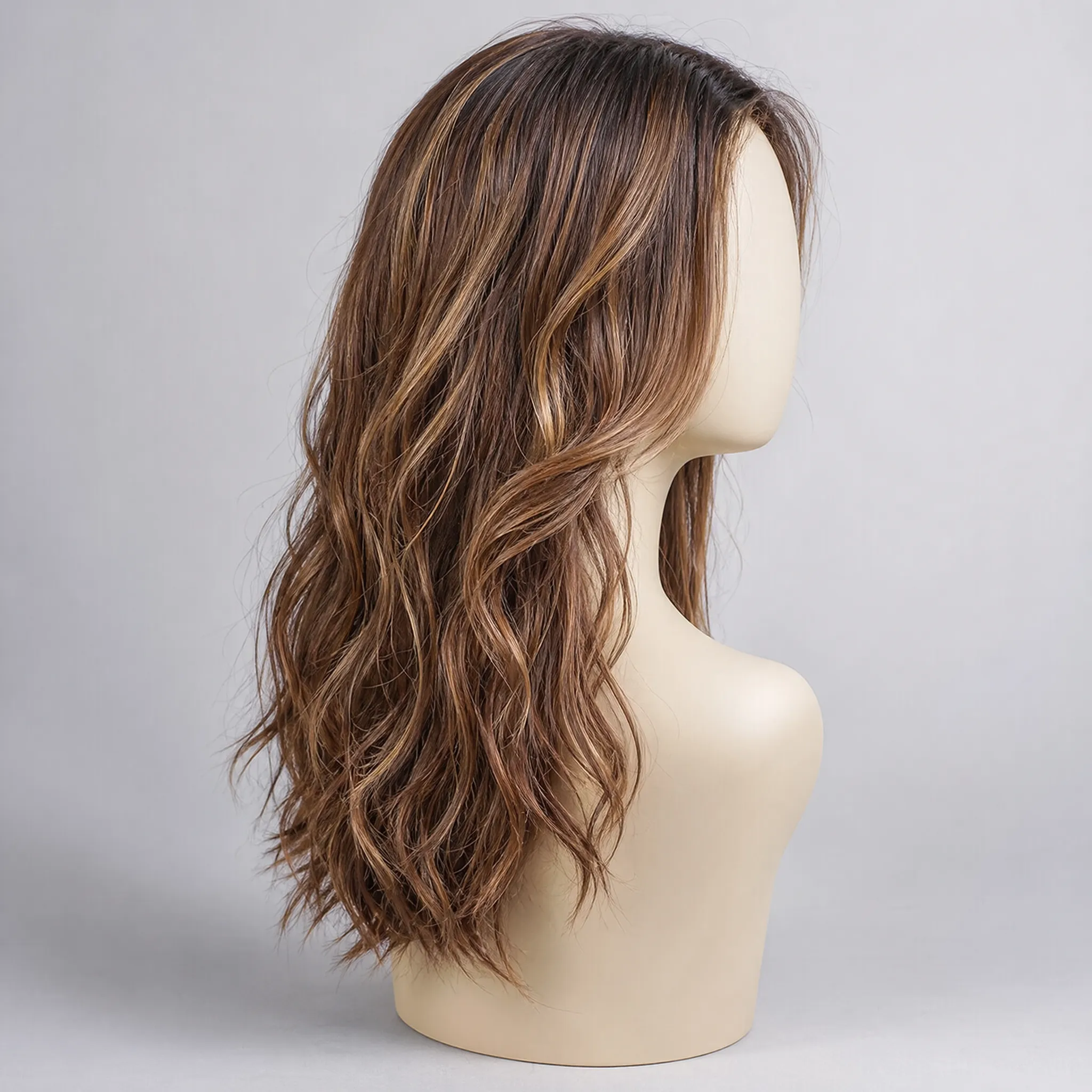
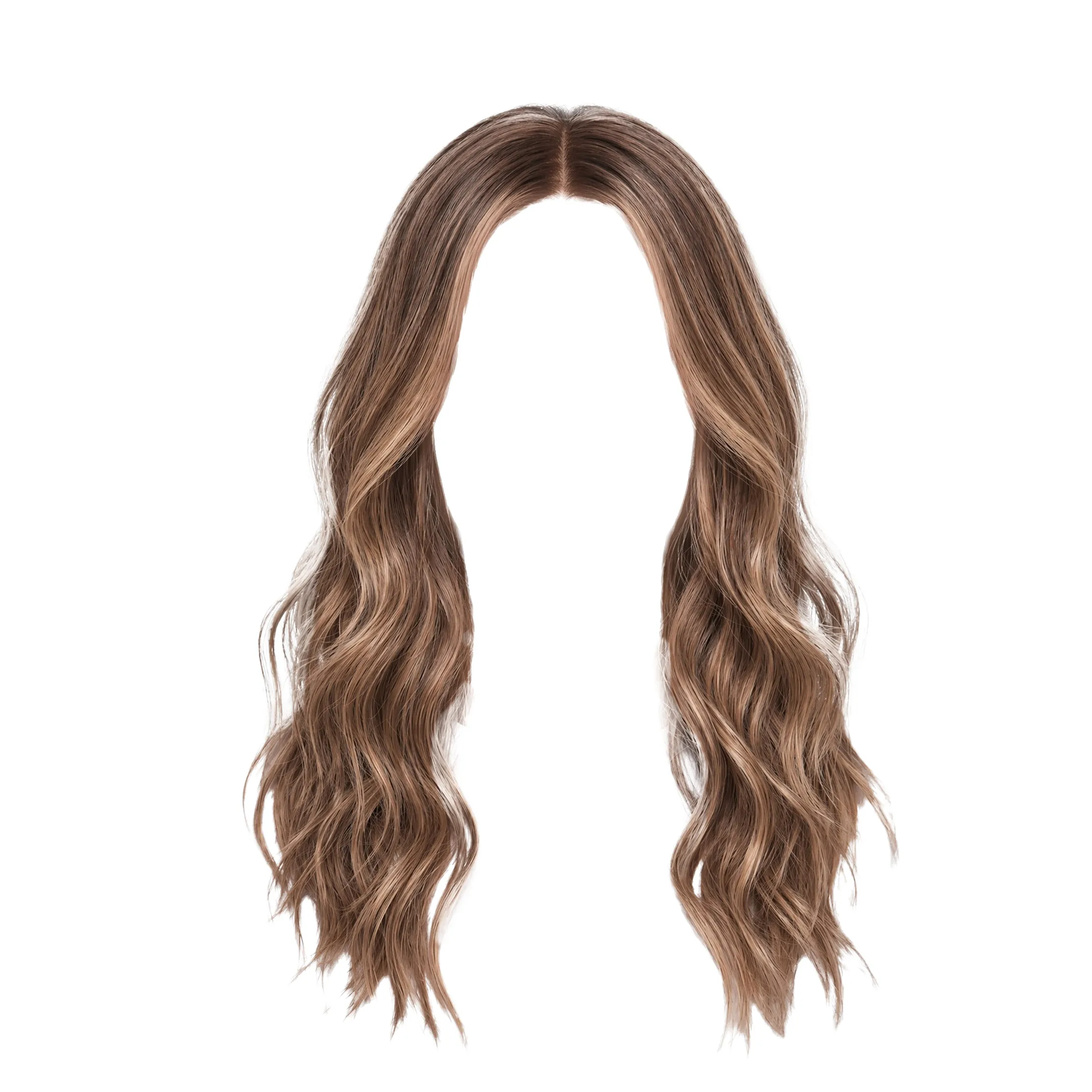

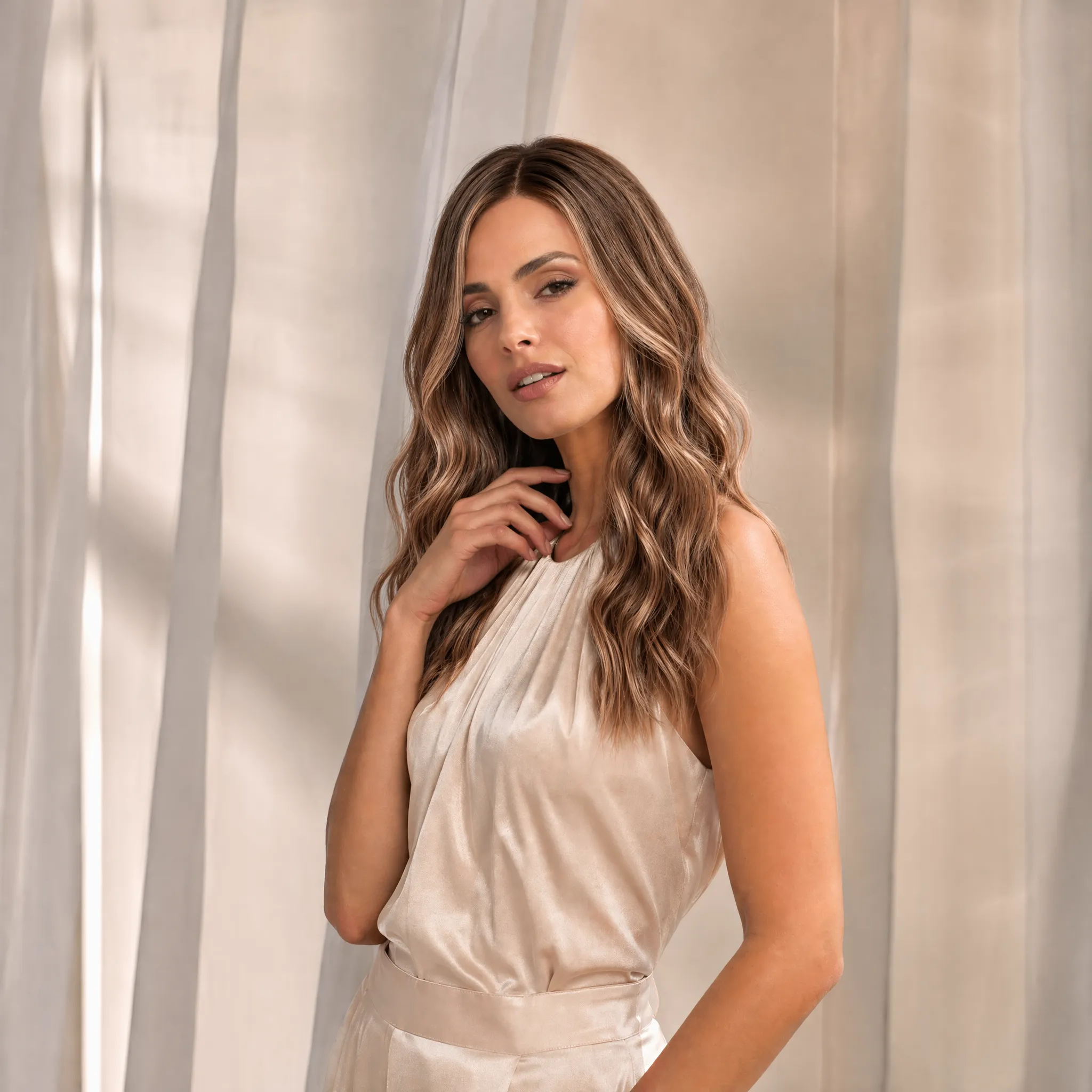


Before: Product photo from garage. After: Integrated hairstyle you can use. Your hairstyle assets become catalog-ready without booking another shoot.
Before: One shade. One photo. After: Every shade in the catalog, rendered from that same photo. Your shade line ships on the same day the product does.
Before: One model. One angle. After: The same wig, on every model in your brand book. Your catalog represents every customer, without extra shoots.
Before: Shopper sees a product. After: Shopper sees product on themselves. The try-on keeps shoppers on the PDP long enough to commit.
Before: Static product image. After: Short social clip, ready to post. One catalog drop becomes a month of social content.
Shopper try-on
A widget that drops into your product page, connected to your catalog and deployed with a single script. Shoppers upload a selfie and see themselves in any wig, in any shade.
-
Shopper uploads or takes a selfie
From their phone, in the product page. No app, no signup.
-
Sees themselves in the wig
In the selected shade, with realistic rendering. Labeled as AI generated.
-
Buys with confidence
No more guessing how the wig will look on them.
 AI generated
 24-hours
Selfie is kept for 24 hours so customers can come back and try multiple styles in the same session. After 24 hours, the photo, try-on previews, and derived face data are permanently deleted.
Cross-product fit check
Virtual try-on shows the look. Camera-based head measurement solves the fit.
Wig shoppers still ask one practical question before checkout: will the cap fit? Add the TWIWT Automatic Head Measurement Tool beside Wig Virtual Try-On so customers find the right cap size automatically.
Explore head measurement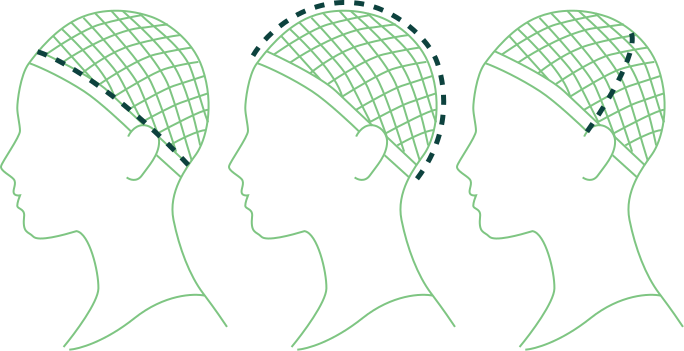
- Circumference
- 55.9 cm
- Ear to ear
- 34.3 cm
- Front to back
- 36.2 cm
Dashboard
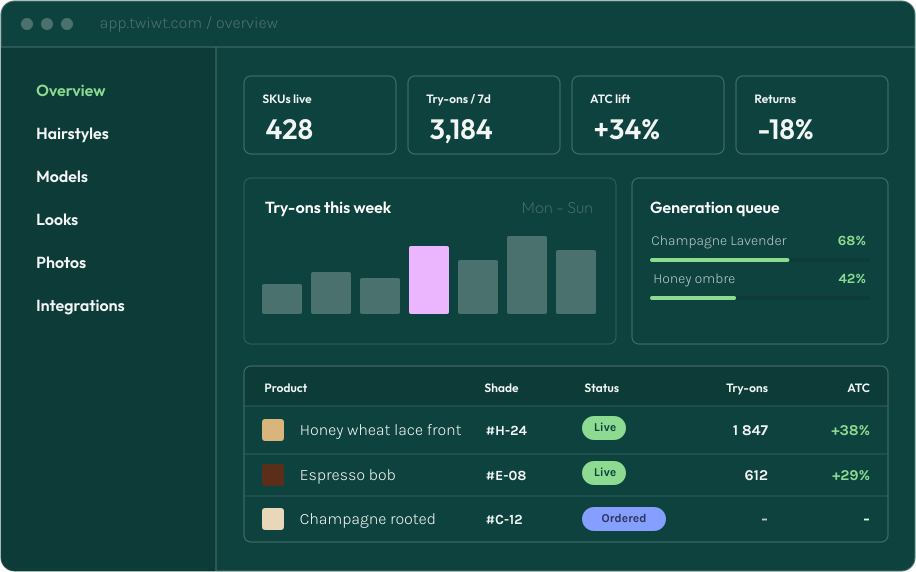
Generate and manage your wig visuals from one dashboard, and connect virtual try-on directly to your store. Track catalog status, render queues, model assets, and try-on performance in one place.
EU end-to-end
Your brand catalog is stored and processed in the EU. We use your data only for inference, never to train AI models or improve our products.
Your assets, your property
Your uploaded photos, models, and generated outputs stay in your catalog as long as your account is active. You own them; we don't train AI on them, and our AI partners' enterprise terms forbid them from doing so either.
Built for compliance
Designed around GDPR, EU AI Act expectations, clear shopper consent, and C2PA provenance metadata. DPA available on request.
See your demo live in 48 hours
We’ll prepare a free branded demo tailored to your products and setup.
Questions about pricing, setup, or privacy? Browse the FAQs
Frequently asked questions
What is Wig Virtual Try-On and how does it work?
A shopper uploads a selfie and sees themselves in the wig: how it fits their face and how the color sits against their skin tone. Wigs are an expensive purchase, and "how will it look on me?" is the question that stops people from buying. The try-on answers it while the shopper is still on the product page.
What does "live in 48 hours" actually mean?
It means a working demo on your own products. You send us three product links from your store, we integrate them into the try-on, and within two business days you can see your wigs rendered on a real selfie. You get evidence from your own catalog before committing to a full rollout.
Is it really "one line of code"?
Yes. The install is a single script tag with your API key in your site's footer (paste it directly or push it through Google Tag Manager). We use your existing product feed, the one already powering Google Shopping or similar, to load your catalog into the TWIWT dashboard, and our team places the try-on buttons on your product pages, so no developer work is needed on your side. The widget runs on product pages by default; we help set it up on collection or search pages if you want it there too.
How many products can I integrate, and how do new ones get added?
There's no practical limit on catalog size; we work with catalogs of 10,000+ products without issue. New products you add to your existing feed appear automatically in your TWIWT dashboard, where you choose which ones to activate for virtual try-on. Each variant (every color and length combination) is its own try-on entry, so you control exactly which SKUs your shoppers can try on.
Can I review and request changes to a generated try-on image?
Yes. Every generated try-on has a regenerate button in your dashboard. When you flag one as off, you pick a reason from a short list (wrong color, bad fit, unrealistic rendering) and a corrected version is produced. The reason stays attached to the original generation, so nothing gets lost.
How accurately does the result match my actual product?
Hair color is rarely a single color: it shifts along the length, with balayage, highlights, and roots. For the closest match we combine the wig's style with a reference photo of the actual product and extract the real highlights, shadows, and root distribution instead of relying on one color code. Cap fit is handled separately by our automatic head measurement tool, which sizes each shopper to the right cap.
AI is probabilistic, and we don't claim 100% perfection. Roughly 1 in 10 renders misses some of the length or color distribution, which is why every generation has a regenerate button to flag and re-render.
Does virtual try-on work for shoppers without their own hair?
Yes, the result is the same as for any other shopper. Our pipeline always removes the shopper's existing hair as a first step (so someone with long hair can try a pixie cut, for example), so a bald or partially bald shopper isn't an edge case at all. The flow stays identical for everyone: pick a color, then upload a photo, take one with the camera, or choose one of six default models.
What if a shopper's photo isn't ideal?
The minimum requirement is a detectable face. The AI uses facial landmarks to place the wig, so a clear, front-facing photo works best. Before the shopper takes or uploads a photo, the widget shows what works (front-facing, hair away from the face, good light), so most photos come in usable. We also block generations on offensive content or photos of recognizable public figures. Beyond those checks, the experience is intentionally permissive to keep the shopper flow smooth.
Does the AI work fairly across all shoppers?
We test for this actively. Our evaluation dataset covers men's and women's hairstyles across ethnicities and skin tones, at the front-facing angles the shopper widget asks for. Render quality stays consistent no matter who's in the photo.
What happens to a shopper's selfie?
We treat selfies as sensitive personal data and hold as little as possible, for as short a time as possible.
The photo is sent to our Cloudflare EU cluster and processed by AI partners under contracts that forbid them from training on it. It never leaves the EU, and no internal tool lets anyone on our team browse or view shopper photos.
Sessions are wiped automatically 24 hours after creation. The photo, derived face landmarks, and every generated asset are deleted, leaving only an anonymized record of which product was tried at what time. Right-to-be-forgotten is built in, since after a day there's nothing left to delete.
Shopper selfies are never used to train our AI models, and the consent screen says so explicitly: "AI partners are contractually forbidden from using it for training." The widget shows that screen, with the retention policy in plain language, before any upload. Filters detect and reject inappropriate or unsafe uploads before generation, and a DPA template is available on request.
Do I own the generated images, and can I use them in marketing?
Yes, you own every asset generated from your catalog. You're responsible for the upstream rights (your source photos and the consent of any people depicted), and the upload screen makes that explicit before any generation runs. We provide the editing and generation; the rights and marketing reuse are yours.
Catalog assets generated in your B2B dashboard carry no visible watermark, so they're ready for paid ads, email, print, lookbooks, or in-store displays. They include C2PA provenance metadata, the open standard for cryptographic AI-content provenance now expected under the EU AI Act. Shopper-facing try-on results carry both a visible watermark and C2PA metadata, because those are previews for the shopper and shouldn't be repurposed as marketing photography.
How do I measure the ROI of TWIWT on my store?
We wire into your existing analytics stack so you can attribute lift on your own traffic. Conversion events to GA4, Meta CAPI, Klaviyo or Segment are set up during integration on request, and most partners run their own holdout test in Optimizely, VWO or similar to compare a try-on-on vs. try-on-off variant.
The +34% / -18% figures on our page reflect early-partner reports rather than a formal A/B study. The most reliable number for your catalog is the one you measure on your own traffic, and we'll set up the tracking to make that easy.
How fast is it, what languages does it support, and what support do retailers get?
A first try-on takes about a minute, and each additional generation in the same session takes around 45 seconds. The platform auto-scales, so peak traffic doesn't queue or degrade.
The shopper-facing widget supports 20 languages today. The B2B dashboard is English-only for now, with translations on the roadmap.
Every retailer gets email support; larger and enterprise partners are assigned a dedicated support specialist.
How is TWIWT priced?
Pricing depends on the scope of work, so we quote each retailer individually. Reach out via the form above and we'll prepare a quote for your store.
Why TWIWT for wigs specifically?
Most virtual try-on tools were built for makeup or eyewear and retrofit later for hair. TWIWT was built for wigs from day one. The pipeline handles wig-specific concerns like cap construction, hairline placement, density, and how a style behaves on different face shapes, so renders look like your actual product instead of a generic hair filter.